Not every period app needs your data
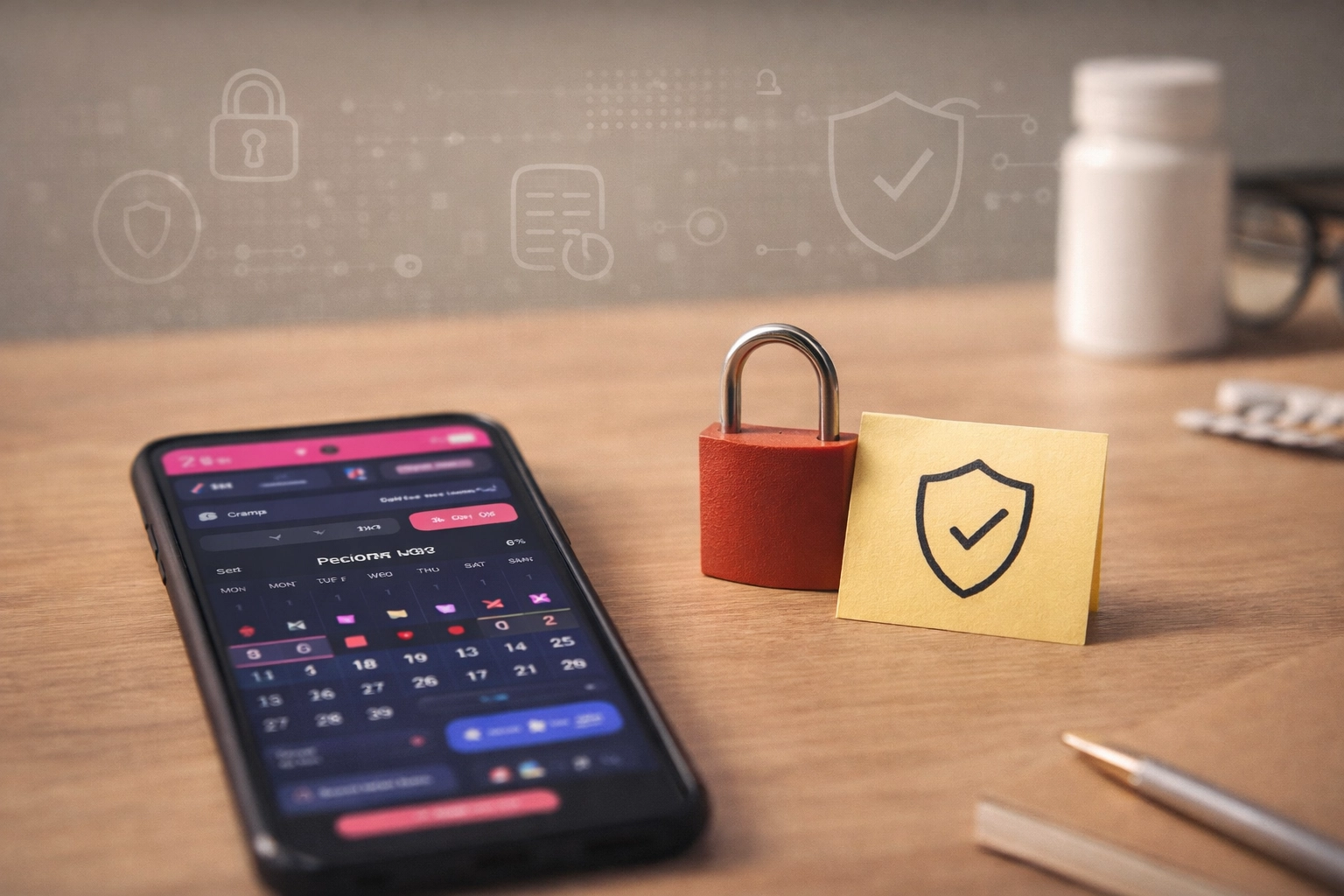
You can track your cycle without turning your body into a data product
Period tracking is deeply personal. It can reveal pregnancy intentions, hormone patterns, pain, mood changes, sexual activity timing, and health concerns — even if you never explicitly type those words. So it’s fair to ask: why should a simple menstrual calendar need to collect or share any of that?
The truth is: some apps are built like utilities (they help you track). Others are built like platforms (they collect, analyze, and monetize). This article is not here to shame anyone’s choices — it’s here to help you understand the difference and choose what fits your comfort level.
If you want a simple cycle tracker, you should be able to use one where the data handling is clear, minimal, and optional — not hidden behind vague wording. A period app can offer helpful features (like backup and sync) without treating your cycle history as something to exploit.
Why cycle data is more sensitive than it looks
A period start date seems harmless until you zoom out. Over time, your logs can suggest:
- Pregnancy likelihood: missed periods, late cycles, spotting patterns.
- Fertility windows: ovulation timing and cycle regularity.
- Health signals: heavy bleeding, severe pain, migraines, fatigue, digestive symptoms.
- Life context: stress weeks, travel, sleep disruption, medication changes.
In other words: your cycle log can function like a personal health diary. And personal health diaries deserve strong privacy by default.
How “free” apps often pay for themselves
Many apps must cover costs (servers, development, support). The question is how. Some apps charge a subscription. Others rely on advertising. Others monetize insights or usage data. Often it’s a mix.
To be clear: not every app that uses analytics is “evil.” Some analytics are used responsibly to fix bugs and improve performance. But the safest option for highly personal data is a design where the app works well even if it collects as little sensitive data as possible.
A privacy-first period tracker is a design choice
Privacy isn’t a marketing slogan — it’s an architecture decision. A privacy-first cycle tracker usually looks like this:
- Minimal account only (if needed): if sign-up exists, it should be simple and clearly explained (for example, just name and email).
- Local-first tracking: your daily logging should still feel like a personal diary, not a social network.
- Offline-friendly: it should still work when you have no internet.
- Sync is optional and controllable: if syncing exists, you should be able to switch it off easily in settings.
- Minimal third parties: no unnecessary trackers, ad SDKs, or hidden integrations.
- Clear export/delete: you can take your data with you or remove it.
The key idea: even if an app offers an account and sync, it can still be privacy-first if it collects only what it needs and gives you simple controls over what happens to your data.
Questions worth asking before you choose a tracker
If you want a simple way to evaluate any period tracker, here are a few practical questions:
- Do I need an account? If yes, is it minimal (only what’s necessary) and clearly explained?
- Is syncing optional? Can I turn it off easily without losing basic functionality?
- Does the app work offline? (If not, it may rely heavily on servers.)
- Can I export my data? (So I’m not locked in.)
- Can I delete everything easily? (And does the app explain what deletion means?)
- Is there advertising or ad personalization?
- Is the privacy policy written clearly? (Not perfect, but understandable.)
You don’t have to become a security expert. You’re simply checking whether the product is built as a personal tool — or as a data funnel.
How to track while sharing less (even if you keep your logs private)
Even with a privacy-first tracker, it can help to build habits that keep your records useful but minimal:
- Track the essentials first: period start/end, flow level, and a small set of symptoms.
- Use neutral notes: “high stress week” is often enough — you don’t need detailed personal stories.
- Focus on patterns: severity, timing, repetition. That’s what helps most.
- Add detail only when it matters: for example, when preparing for a doctor visit.
This approach keeps the log valuable for you while reducing the amount of personal information you store.
What Cycletrack is trying to prove
Cycletrack exists because I believe a menstrual calendar should not require excessive data collection. Cycletrack does use a simple account (name and email) to support the app experience, and auto sync is enabled by default for convenience — but it can be switched off easily in settings if you prefer to keep tracking fully local.
The goal is straightforward: give people a calm, useful tracker with clear controls — so you can track your cycle and symptoms without feeling like your most personal information is being treated as a product.
Privacy and education can live together
A second part of Cycletrack is education. I’m building a blog that stays here long-term and helps users learn about cycle tracking topics: irregular cycles, ovulation patterns, pain tracking, migraines, coming off birth control, and more.
If a tracker helps you notice patterns early and understand what you’re experiencing, that’s not just convenience — that’s empowerment.
Get Cycletrack
Private, simple cycle tracking — free, no ads.
— MIRO PERDOCH, creator of Cycletrack
Support Cycletrack (optional)
If Cycletrack is useful to you, you can support the project with a donation. Donations help me keep the app free, maintain it long-term, and continue writing educational articles that help users understand their cycle and related conditions.
→ Support Cycletrack by donation